Role
UI/UX Designer
Lead Prototyper
Tools
Figma
Python
CSS/HTML
Timeline
2.5 Week
Team
Charles Zhang (UI/Backend Developer)
Edison Chen (PM)
Problem
Planning time with close friends shouldn’t feel like work, but it does. Between endless group chat messages, mismatched schedules, and tools that feel too formal or impersonal, simple hangouts often never happen.
Solution
APP for close friend groups who struggle to turn “we should hang out” into real plans, Planmo is a lightweight social planning app that helps friends quickly coordinate time together. Unlike calendars, polls, or party platforms, Planmo feels casual, private, and built for real-life friends.
We always say we’ll hang out, but it never really happens in the end.
Research Process
Customer Segments
Our initial customer segment is small friend groups (4–10 people) in urban areas such as New York, Boston, LA, SF, and Chicago. These groups are socially active, highly mobile, and frequently frustrated by the friction of planning hangouts. They rely on group chats to coordinate but lack a tool designed for intimate, informal planning rather than large events. This segment offers high usage frequency and strong word-of-mouth potential, making it ideal for initial adoption and refinement.
Problem–Solution Fit
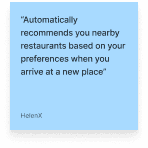
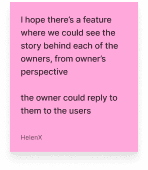
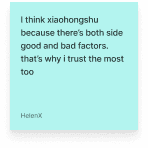
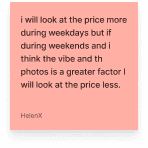
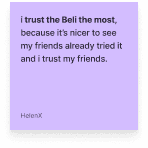
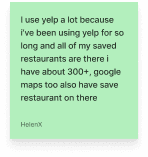
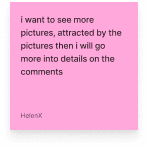
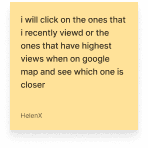
Through user interviews with individuals currently using tools like HowBout, Partiful, Google Calendar, Luma, and when2meet, we confirmed several consistent insights:
Existing planning tools feel too formal or too heavy
Users associate Google Calendar and when2meet with work or academics, not close friend hangouts.Formal event apps (Partiful, Luma) aren’t built for intimate groups
They prioritize events with strangers, RSVPs, and design elements that don’t map to casual hangouts.Users deeply value privacy
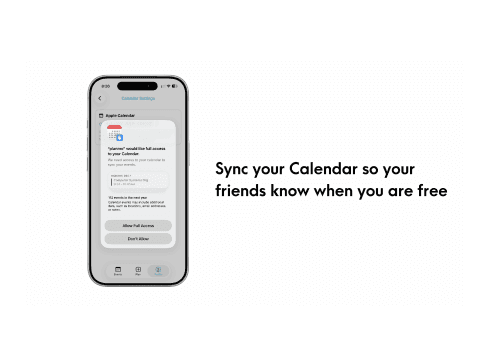
Most do not want to share their full calendar or detailed availability with friends.Group chats are the default, but broken
Plans get lost, messages flood, decisions stall, and “group chat fatigue” kills momentum.Everyone agrees making plans should feel simple
But the cognitive overhead of remembering schedules, polling friends, proposing ideas makes it hard.
Ideation & Exploration Process
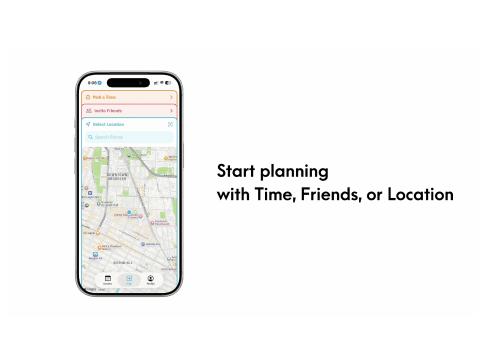
We explored multiple directions—starting plans with people, time, or activities—and sketched early flows for onboarding, availability syncing, and collaborative decision-making. After testing these concepts, we chose a time-first, group-availability approach because it solved the biggest user pain point: finding when everyone is free, while still supporting lightweight collaboration.
Prototype/Quick Sketch
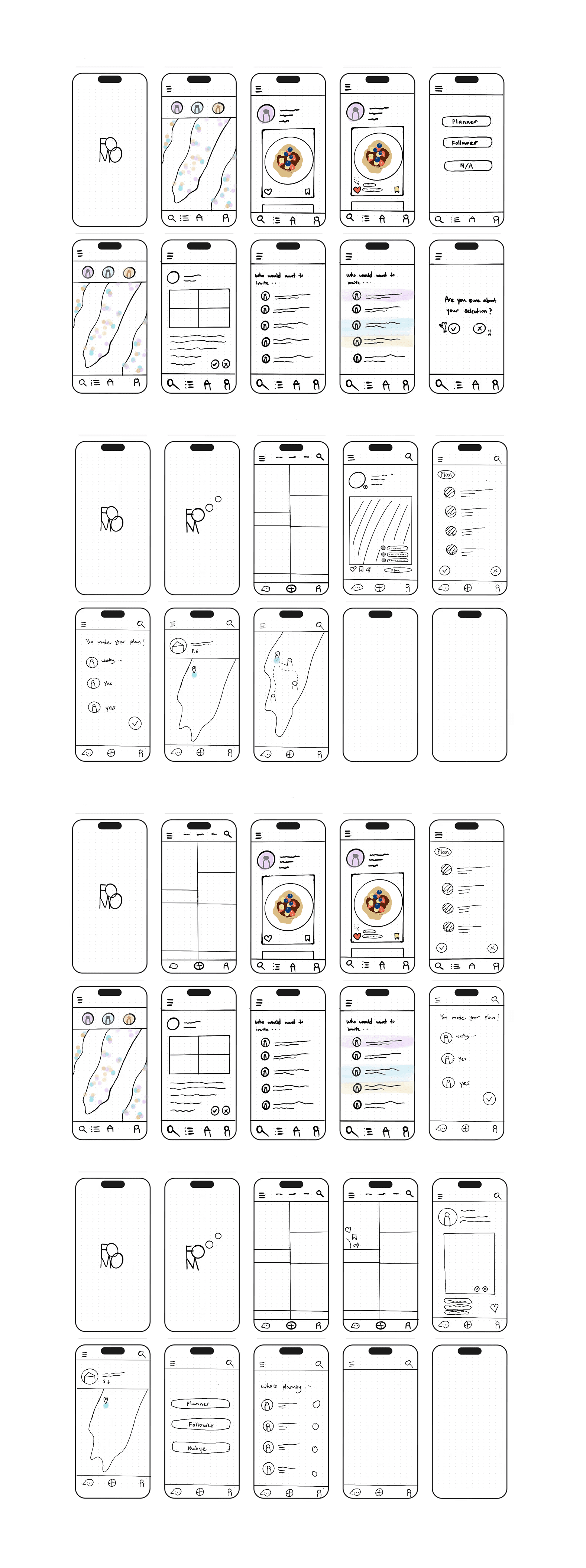
User Navigation Overview
Initially, we ideated how users would navigate through the application starting from the homepage. The homepage serves as the central hub where users can access different features and begin planning a trip. From this entry point, several navigation paths allow users to explore locations, interact with friends, and organize group plans.
Below are several potential user navigation flows that outline different ways a user may move through the platform.
Navigation Flow 1: Map-Based Planning
Map → Other Users’ Profiles → Plan the Trip → Follow the Trip → Map (Select Location) → Select Friends → Confirmation Page
This flow begins with the map interface, where users can explore locations and view other users’ profiles. From there, they can initiate a trip plan, choose a destination on the map, invite friends, and finalize the plan through a confirmation page.
Navigation Flow 2: Gallery-Inspired Planning
Gallery Board → Instagram Photo → Plan → Confirmation Page → Map Destination → Friends’ Locations
In this flow, users begin by browsing a gallery board of shared images or inspiration posts. After selecting a photo, they can start planning a trip based on that inspiration, confirm their plan, and then view the destination and friends’ locations on the map.
Navigation Flow 3: Social Media–Driven Planning
Instagram Photo → Instagram Profile / Sharing → Plan Your Trip → Map → Add Friends → Confirmation (Yes / No)
This navigation path starts with social media content. Users discover a location through an Instagram photo, explore the profile or shared content, and then proceed to plan a trip, select the destination on the map, and invite friends before confirming the plan.
Navigation Flow 4: Engagement-Based Entry
Instagram Photo → Like / Save / Share → Instagram Sharing → Map → Trip Planning
This flow emphasizes user engagement with social media content. After interacting with a post (liking, saving, or sharing), users are directed to the map interface where they can begin planning a trip inspired by that content.
Visual Design
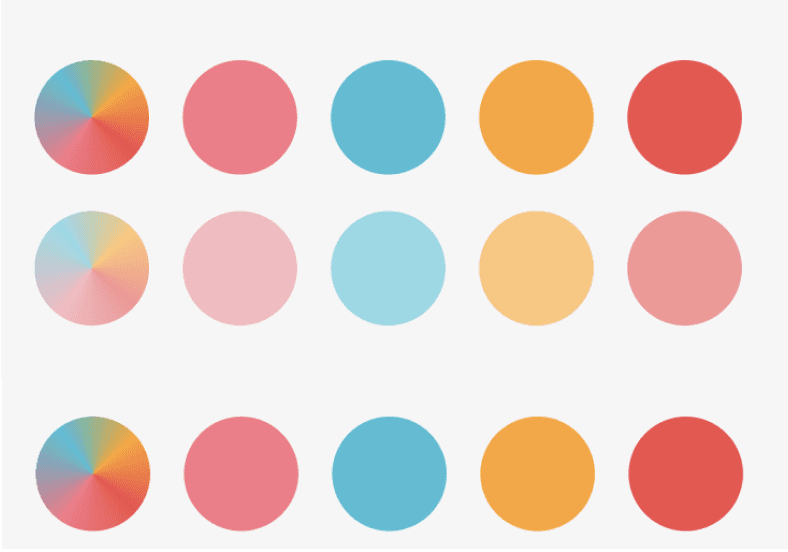
Our goal for the app is to create an experience that feels fun, minimal, and relaxed. We want the interface to be intuitive and easy to navigate so users do not feel overwhelmed while using the platform. At the same time, the experience should still feel playful and engaging, encouraging users to explore and interact with the app.
To support this vision, we explored a visual direction that uses pastel and bright color palettes. These colors help create a warm, summer-like atmosphere that feels lighthearted and approachable. The combination of soft tones and colorful elements also introduces a slightly playful and youthful aesthetic, reinforcing the idea that planning time with friends should feel enjoyable rather than stressful.
Competitive Analysis
We also conducted an analysis of two similar platforms currently in the market: Partiful and Luma. Both apps focus on social planning and event coordination, but they approach the design experience in different ways.
Partiful emphasizes a fun and expressive visual identity, using bold graphics, playful typography, and social-oriented interactions to make event planning feel casual and engaging. Luma, on the other hand, takes a more minimal and clean design approach, focusing on simplicity, clarity, and smooth event organization.
By studying these two platforms, we identified opportunities to combine the playful energy of Partiful with the clean usability of Luma. Our goal is to design an interface that balances simplicity with personality, allowing users to plan activities with friends in a way that feels both effortless and enjoyable.